
14. About Page
The About Page is a flexible, two-column content page used to explain the current edition, Conscious Collective, the initiative behind it, the team and the event location.
This is a flexible content page. The current layout can be retained and its content replaced, or editors can use the available content blocks to change how the information is presented. Refer to 04. List of Content Blocks before restructuring the page.
14.1 Page Setup
Go to Content Manager → Page → About. The current page uses the two-column layout, the Primary Page Shell and the annual theme colour scheme. The Table of Contents is enabled so selected sections can appear in the left-hand page navigation.
The current implementation contains seven sections: Main Image, This Year's Theme, About Conscious Collective, Quote Block, A Godrej Design Lab Initiative, The Core Team and Location. These are examples of how the content blocks can be combined rather than a mandatory structure for future editions.
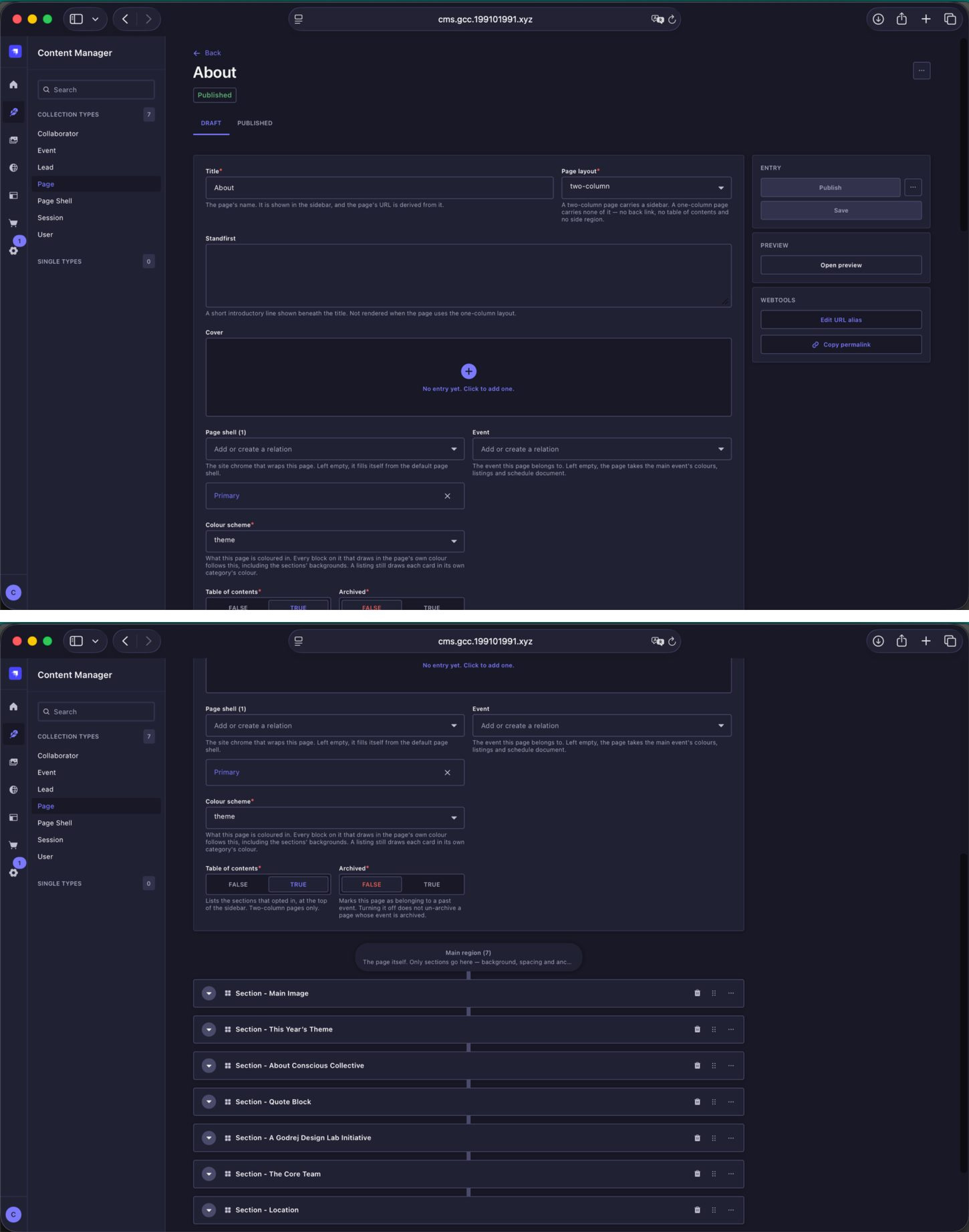
About Page setup and section structure. The current page is two-column and uses a mix of reusable content blocks.
14.2 Main Image
The opening visual uses a Full-bleed image content block. Replace the image for the new edition while keeping the block in place if the same design is being retained.
| Image field | Upload dimensions | Aspect ratio | Guidance |
|---|---|---|---|
| Small Screens | 1080 × 1080 px | 1:1 | Use the square crop for small screens. |
| Medium Screens | 2080 × 1040 px | 2:1 | Use the landscape crop for medium screens. The Full-bleed Image block can accept other ratios when required, but use deliberate, standard crops. |
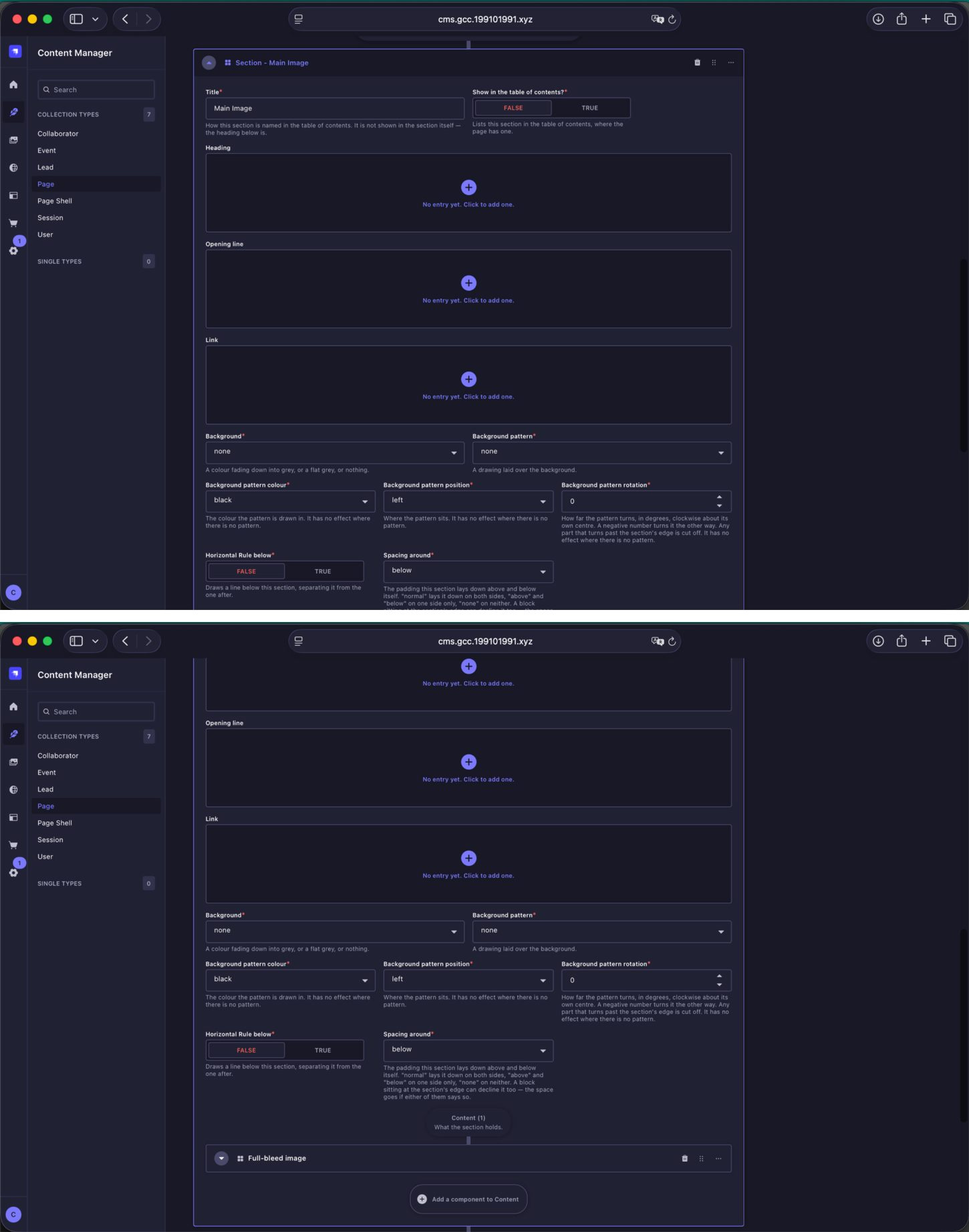
Main Image section. The current About Page begins with a Full-bleed image block.
14.3 This Year's Theme
The current This Year's Theme section combines formatted text with a carousel. The text is entered using a WYSIWYG block, while the carousel can hold multiple slides.
| Image field | Upload dimensions | Aspect ratio | Guidance |
|---|---|---|---|
| Carousel slide image | 1080 × 1920 px | 9:16 | Use for Instagram Story / Reel-style slides. |
| Carousel slide image | 1080 × 1350 px | 4:5 | Regular Instagram portrait format is also supported. Keep every slide in the same carousel at the same dimensions and ratio. |
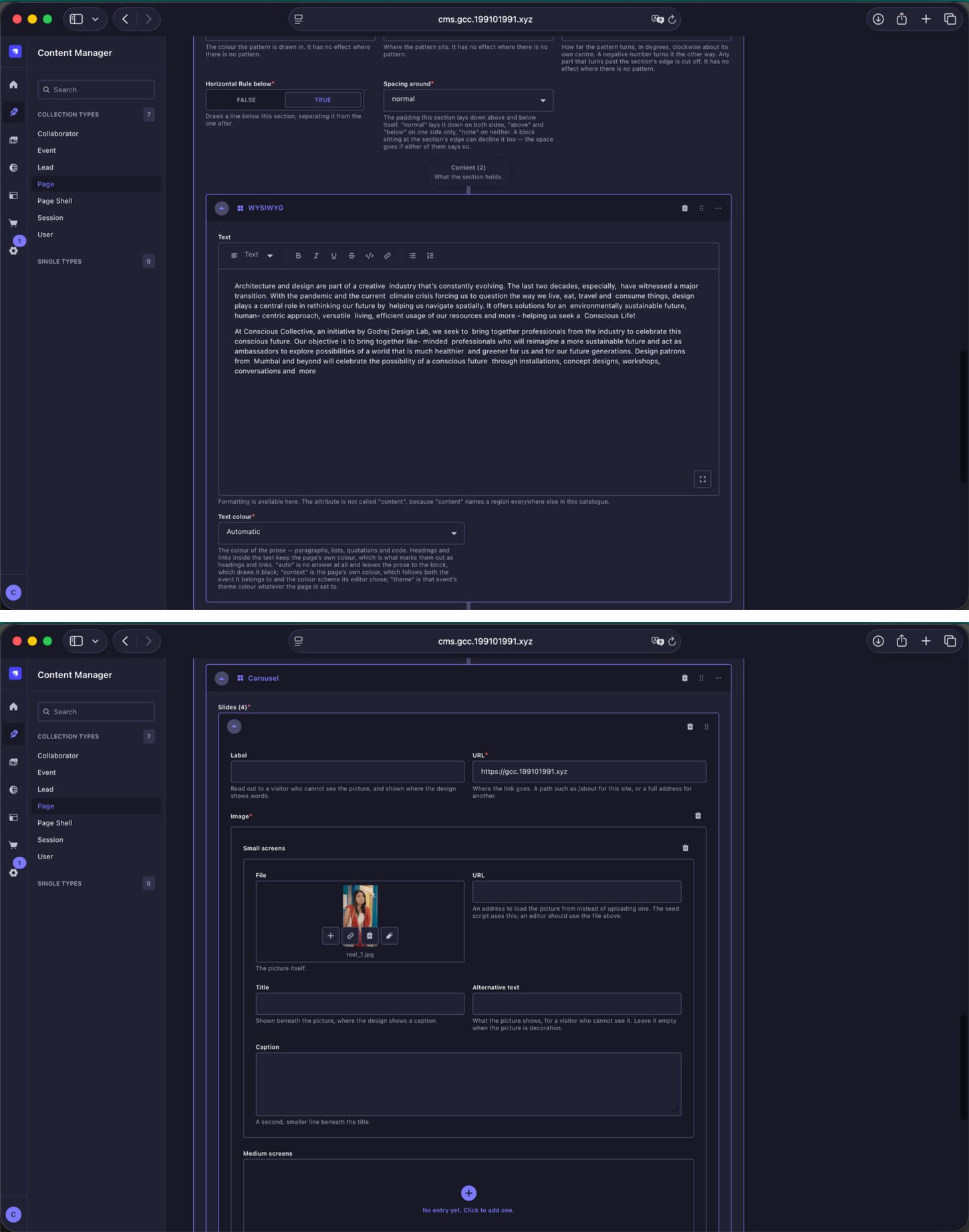
This Year's Theme content. The example combines WYSIWYG copy and a multi-slide carousel.
14.4 Image and Content
The About Conscious Collective section demonstrates the Image and Content block. It places an image beside text on desktop and stacks responsively on smaller screens. The layout control determines whether the image sits to the left or right.
| Image field | Upload dimensions | Aspect ratio | Guidance |
|---|---|---|---|
| Image | 2160 × 2160 px | 1:1 | The current design uses a square image. Prepare the crop before upload. |
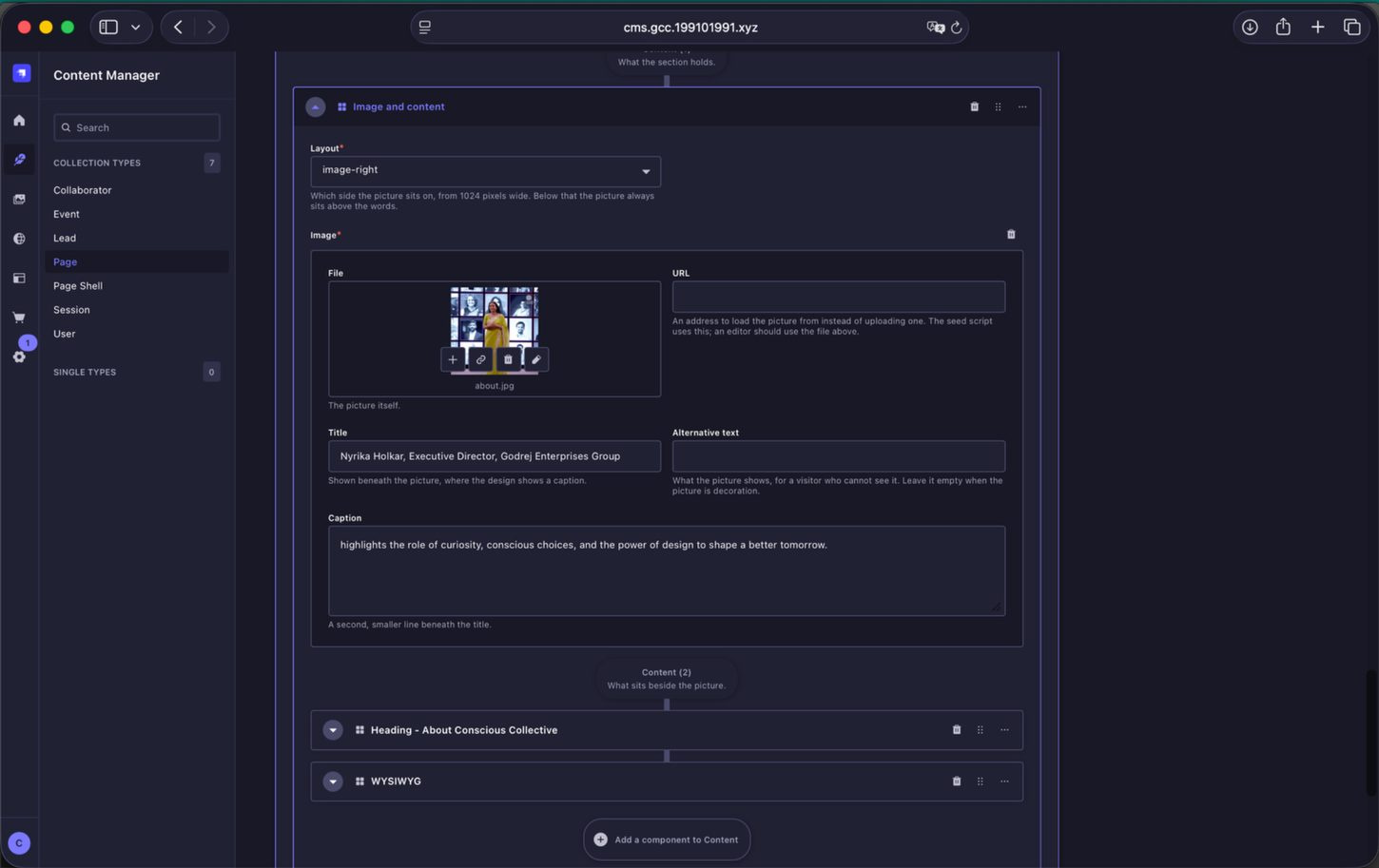
Image and Content block. Use this when an image and supporting copy need to sit together in one section.
14.5 Quote Block
The Quote Block is used for a highlighted quotation. Enter the quotation itself, the attribution, and an optional portrait. Do not type quotation marks into the Quote field; the design applies them automatically.
| Image field | Upload dimensions | Aspect ratio | Guidance |
|---|---|---|---|
| Portrait | 500 × 500 px | 1:1 | Use a square portrait with the subject centred. |
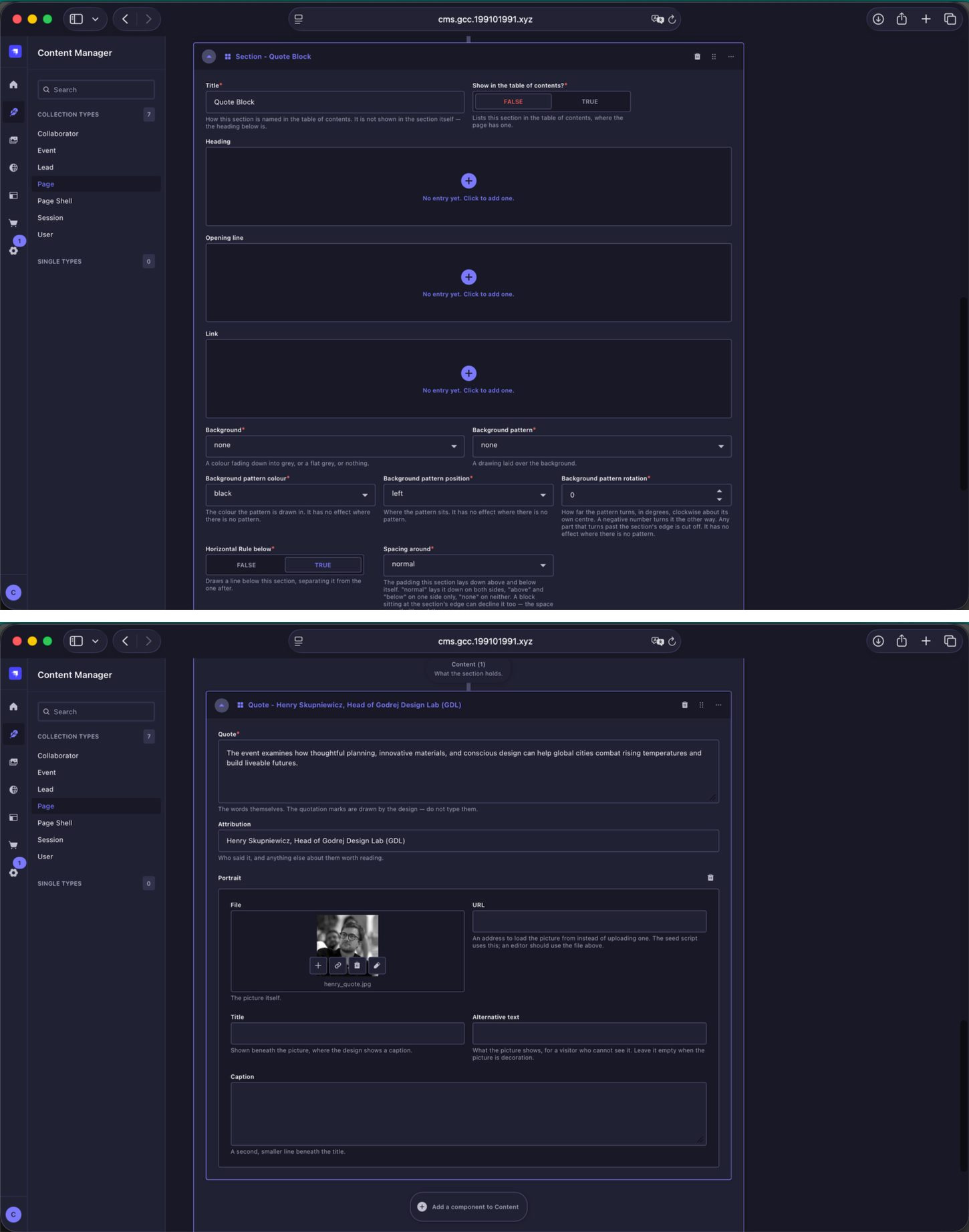
Quote Block. The current example contains the quote, attribution and an optional portrait.
14.6 Responsive Image
This layout-specific image field is flexible and can accept different image ratios. Use common image ratios wherever possible rather than unusual or arbitrary crops.
| Image field | Resolution | Aspect ratio | Guidance |
|---|---|---|---|
| Image | Around 2K recommended | Flexible | Use standard landscape or square ratios where possible. Portrait crops should generally be avoided in this treatment. |
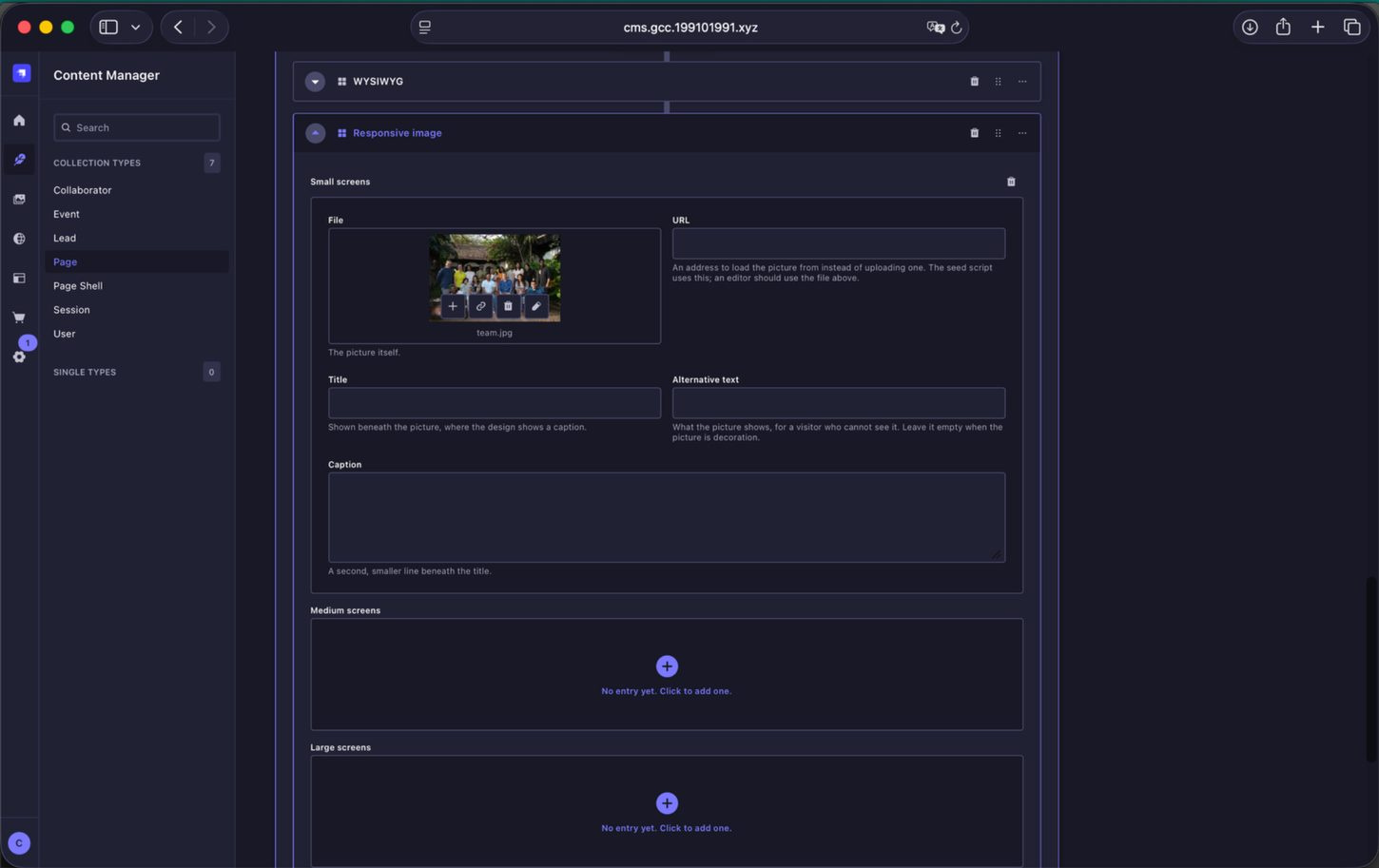
Layout-specific image field. The current example uses the Small screens upload as the primary image.
14.7 The Core Team
The Profile List is used for the team section. Each profile is created directly inside the Profile List and can contain a Name, Role, Description and Portrait. Add as many team profiles as required for that edition.
| Image field | Upload dimensions | Aspect ratio | Guidance |
|---|---|---|---|
| Portrait | 1080 × 1080 px | 1:1 | Use a consistent square portrait for every profile in the same Profile List. |
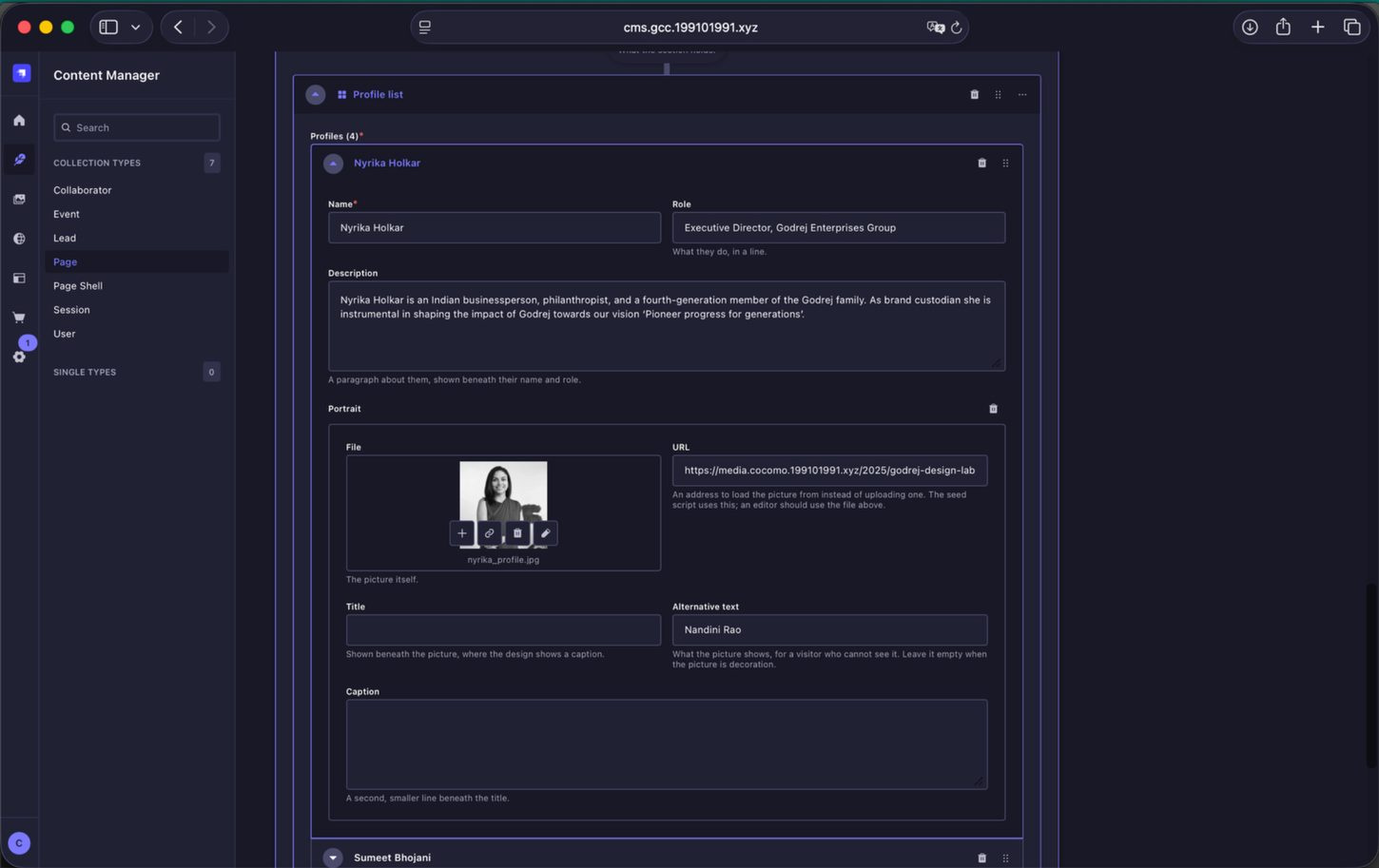
Profile List. Each Core Team member is entered as a profile with their name, role, description and portrait.
14.8 Location
The Location section uses the Map and Content block. Paste the full Google Maps place URL into Place URL, set the map zoom, and use the supporting WYSIWYG and View on Maps link for the venue name, address and any visitor information.
Use the full Google Maps URL from the browser address bar. Short share links are not supported by the server.
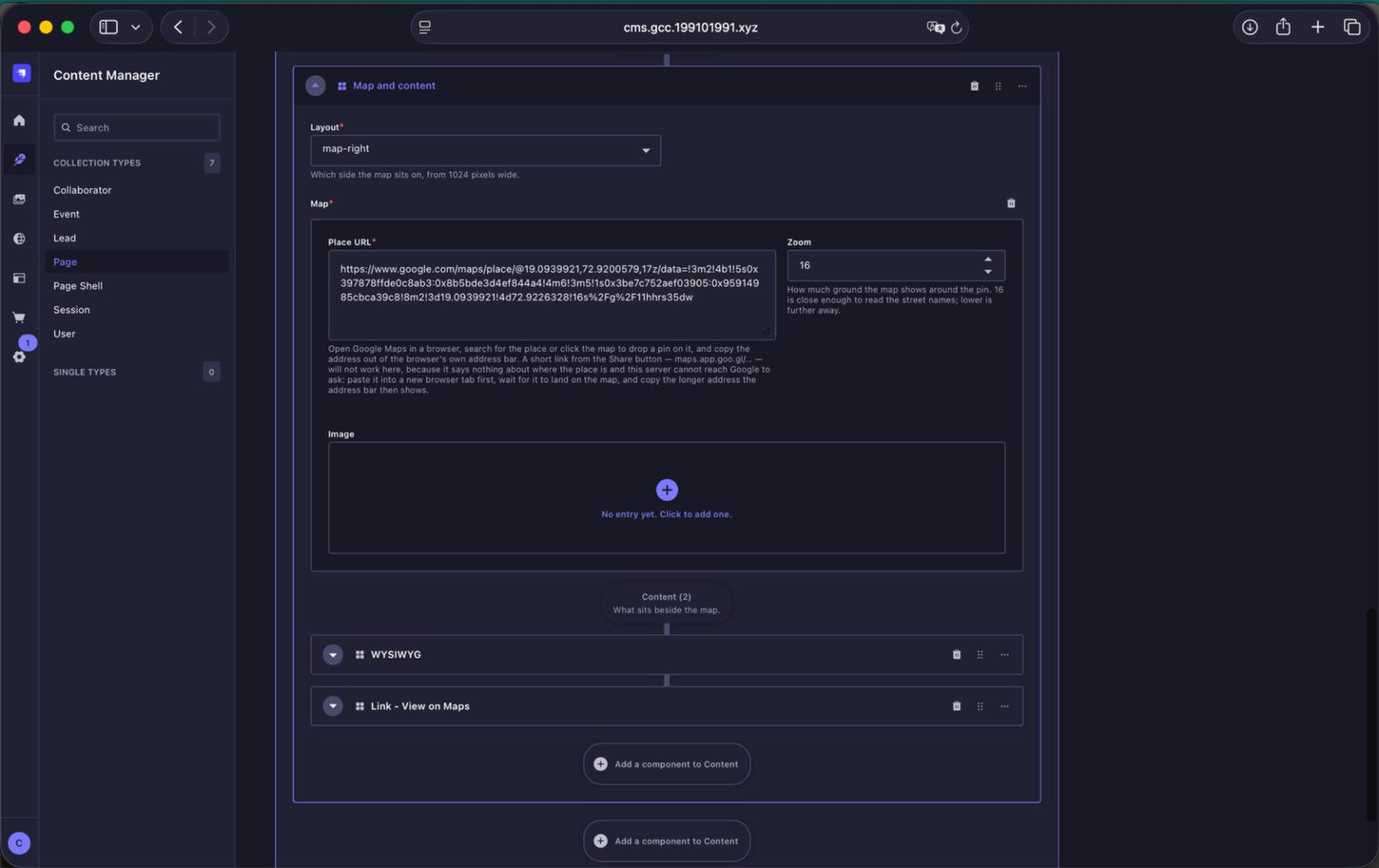
Location block. The map is controlled by the Place URL and Zoom fields, with supporting content and a View on Maps link below.
14.9 Editing Approach
For a new edition, editors can either replace the existing content while retaining the current structure, or recompose the page using the available content blocks. When changing the structure, preview frequently and check the page against the intended frontend design before continuing.
Image specifications for all image-led blocks are maintained separately in the Image Guidelines. The reusable block behaviour itself is documented in 04. List of Content Blocks.