
06. Managing Pages
Go to Content Manager → Page.
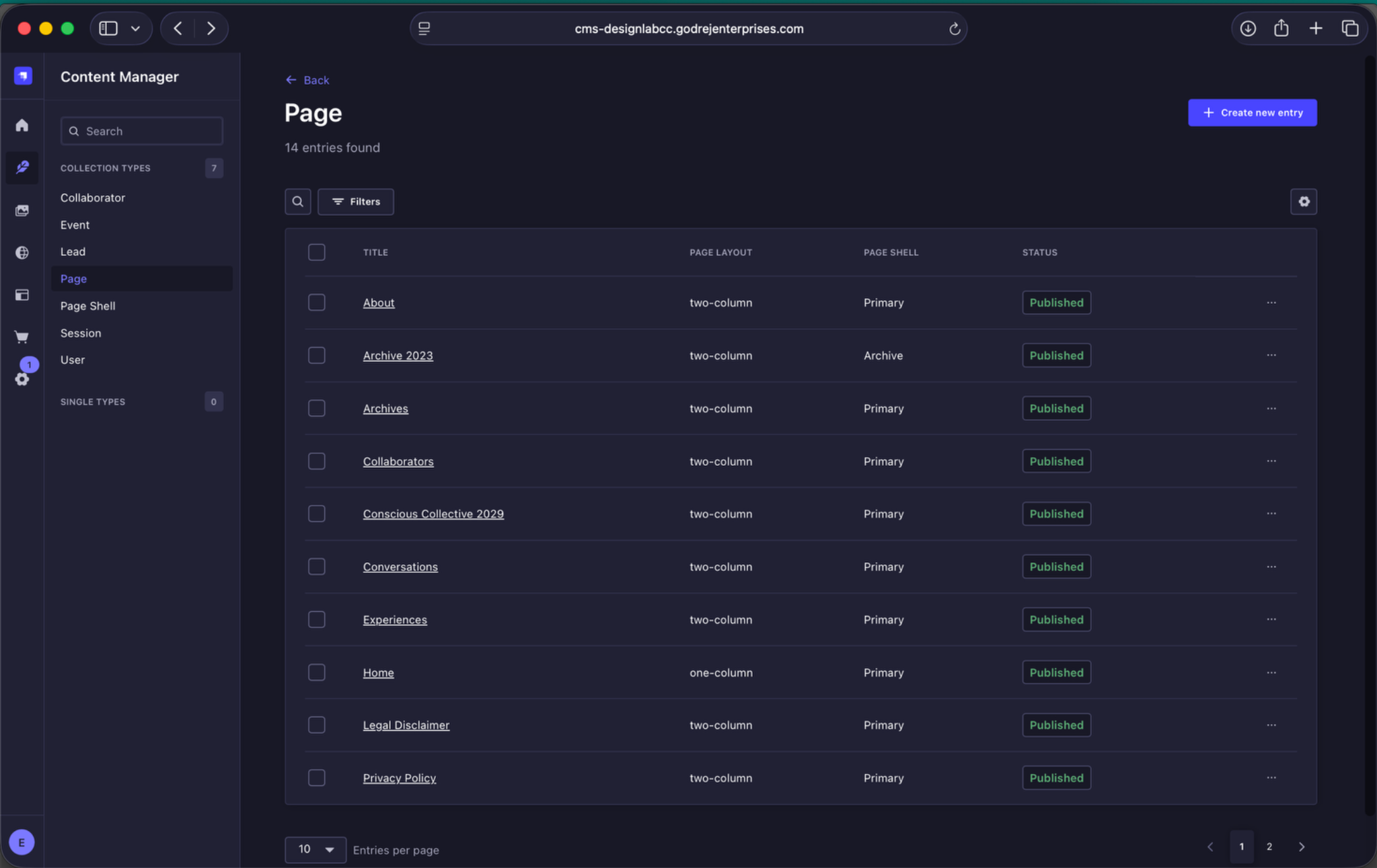
Page listing. Most pages use the two-column layout and Primary Page Shell. Home is the only one-column page.
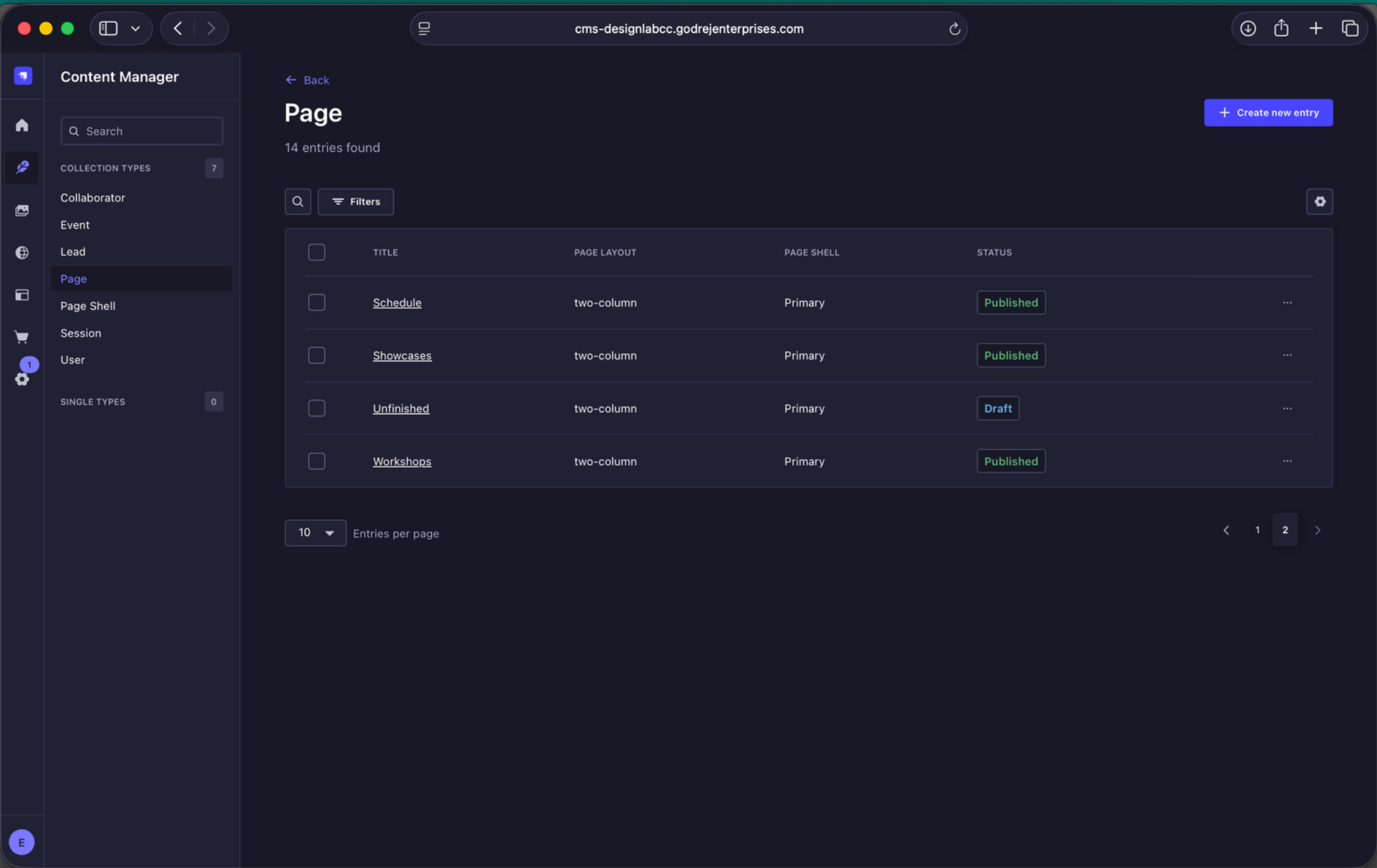
Page listing continued. The list also shows each page's publication status.
Published and Draft
- Published - the current live version.
- Draft - changes that have been saved but not yet published.
Use Preview where available before publishing changes.