
09. Listing Pages
The Showcases, Experiences, Conversations and Workshops listing pages are auto-populated. Content editors do not need to manually add or manage sessions on these pages.
When a Session is created in the CMS and assigned to one of the four programme categories, it automatically appears on the corresponding listing page. For example, a Session assigned to Showcase will appear on the Showcases listing page.
Do not edit these listing pages directly. They are system-driven pages and should be left untouched. Their content is generated automatically from the Session entries.
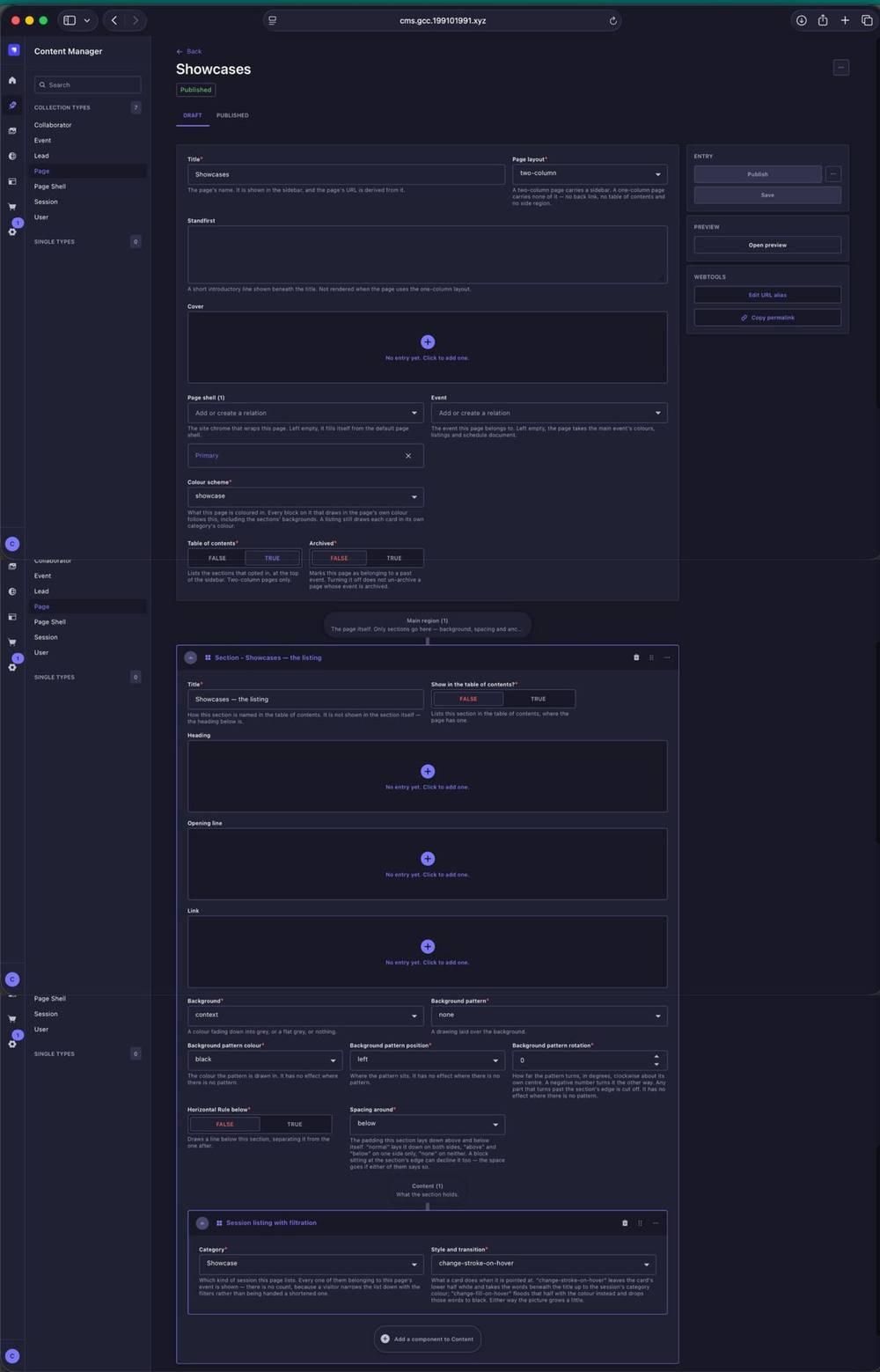
Showcases listing page. This backend page is system-driven and should be left untouched. The Session Listing with Filtration automatically pulls in Showcase sessions and applies the listing filters from Session data.
9.1 How Listings Are Populated
- Each Session appears on the listing page that matches its selected category.
- Sessions are displayed in alphabetical order by Session title.
- If a Session has multiple scheduled instances, it can appear across more than one event day while still being managed from a single Session entry.
- Changes made to a Session entry are reflected automatically on the relevant listing page.
- There is no pagination on the listing pages. The full list continues in a continuous scroll.
9.2 Listing Page Filters
The filters on each listing page also work automatically using the information entered for each Session. Editors do not configure the filters separately on the listing page.
Sessions can be filtered by:
- Day - based on the scheduled instance or instances added to the Session. A repeat Session can have multiple instances and may therefore appear under more than one event day.
- Event Type - based on whether the Session is a free event or a ticketed event.
- Age Group - based on the audience settings entered for the Session. A Session can be suitable for all ages, specifically intended for children, or given an age restriction where required.
These values should be set accurately within the Session entry. The listing-page filters then use that data automatically, so there is no separate listing-page setup to maintain.